
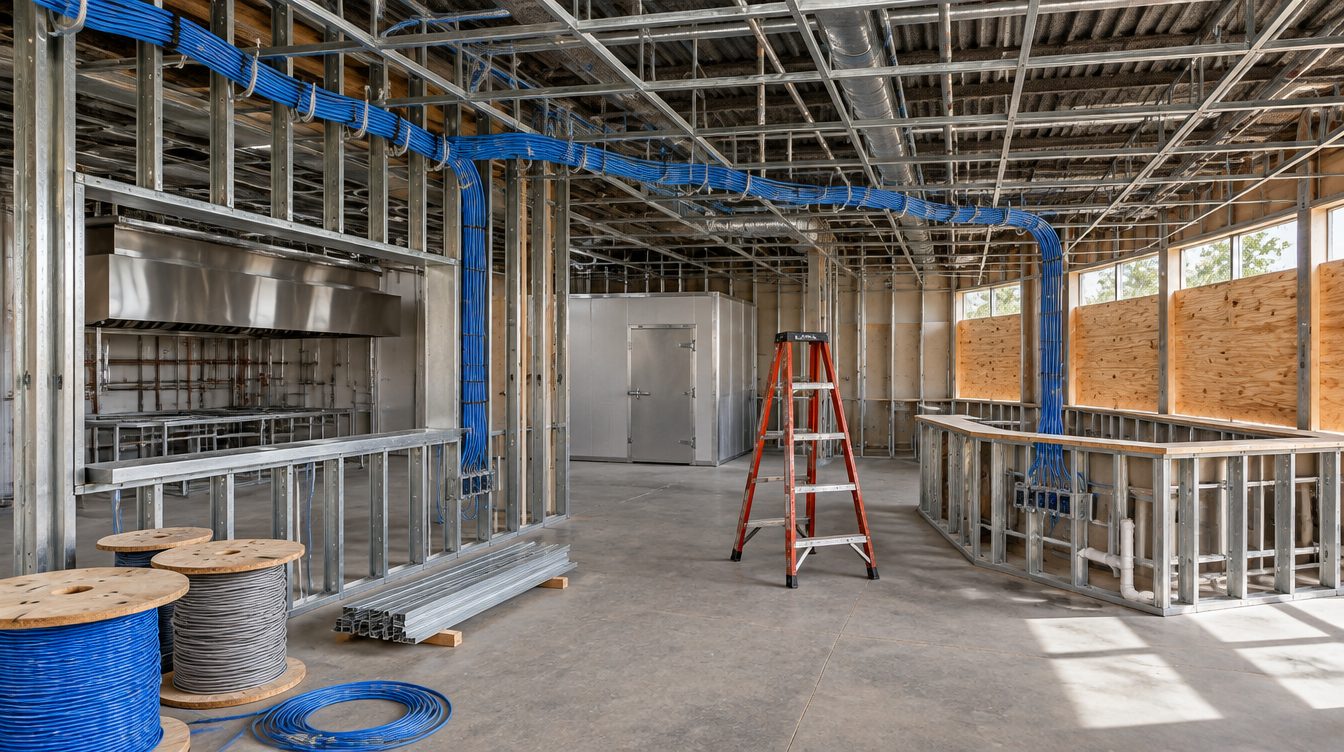
A restaurant security camera system in Los Angeles has a short job description: show who came through the door, what happened at the register, and who signed for the delivery. ClearMax technicians plan the views with the owner, cable each camera back to a recorder in the locked rack, and switch every microphone off before the system goes live.
Last updated: November 2026
Where the lenses usually point
- The entrance: faces as guests and staff come in, framed for identification rather than a wide view of the room.
- Registers and cash drawers: the drawer and the hands that open it, from above and behind.
- The bar: the pour well and the bar register.
- Storage: the dry store, the walk-in door and the liquor room.
- The delivery door and the lot: deliveries, trash runs and the area by the rear exit after close.
Each camera gets a numbered spot on the plan and a cable home run, so the picture does not depend on WiFi.
Places no camera goes
No camera is ever placed in a restroom or a changing area, and none is aimed where it would capture someone entering a card PIN. Views of the counter are angled to show the drawer and the hands, not the keypad.
California's consent rule and the microphone setting
Most current cameras ship with a microphone. California law makes that a setting to turn off. Penal Code Section 632(a) reaches a person who, without the consent of all parties to a confidential communication, uses an electronic amplifying or recording device to eavesdrop upon or record the confidential communication. Section 632(c) says a confidential communication means any communication carried on in circumstances as may reasonably indicate that any party to the communication desires it to be confined to the parties thereto, but excludes a communication made in a public gathering, in a legislative, judicial, executive or administrative proceeding open to the public, or in any other circumstance in which the parties may reasonably expect that the communication may be overheard or recorded.
A quiet word at a booth, a talk in the office, a call at the host stand: any of them can fit that description. So audio is disabled on every camera, everywhere in the building, and the setting is checked again at handover.
Readers and electric locks on the same plan
Camera and door work usually share a schedule, and the door side has code limits. Under California Building Code Section 1010.2.10, loss of power to the electrical locking system automatically unlocks the electric lock, and where panic hardware is required by Section 1010.2.8, operating it also releases the electric lock. The UPS in the rack keeps the recorder and the network running through an outage; the locks are wired to release. The full door rules are on the buildout overview.
Recorder storage and retention
The recorder sits in the locked rack with the switch, on the battery, with its admin login in the restaurant's name. Storage is sized so footage is kept long enough to answer a question that surfaces a week or two after the fact, such as a disputed refund or a missing case of wine. The owner picks the retention period, and the drive is sized to match.
Remote viewing runs through the camera maker's app on the owner's own account. ClearMax does not keep copies of footage.
Before the first bracket goes up
- A walk of the plan with the owner or manager to agree on each view.
- Lighting checked at night, since a lot that is dark after close needs a camera that handles low light.
- Mount heights set above reach, with cable inside the wall or in conduit.
- Patio and exterior cameras rated for the weather and the afternoon sun.
Questions about the camera job
Can existing cameras stay?
Often. Working cameras that the new recorder supports are kept and re-aimed; the rest are replaced.
Who gets access to the system?
The owner, and anyone the owner adds. Logins are handed over at the end of the job.
The cable behind each camera is covered on the wiring page.